Make a Gridfinity bin from a photo.
No CAD. Nothing to measure. About a minute per tool.
-
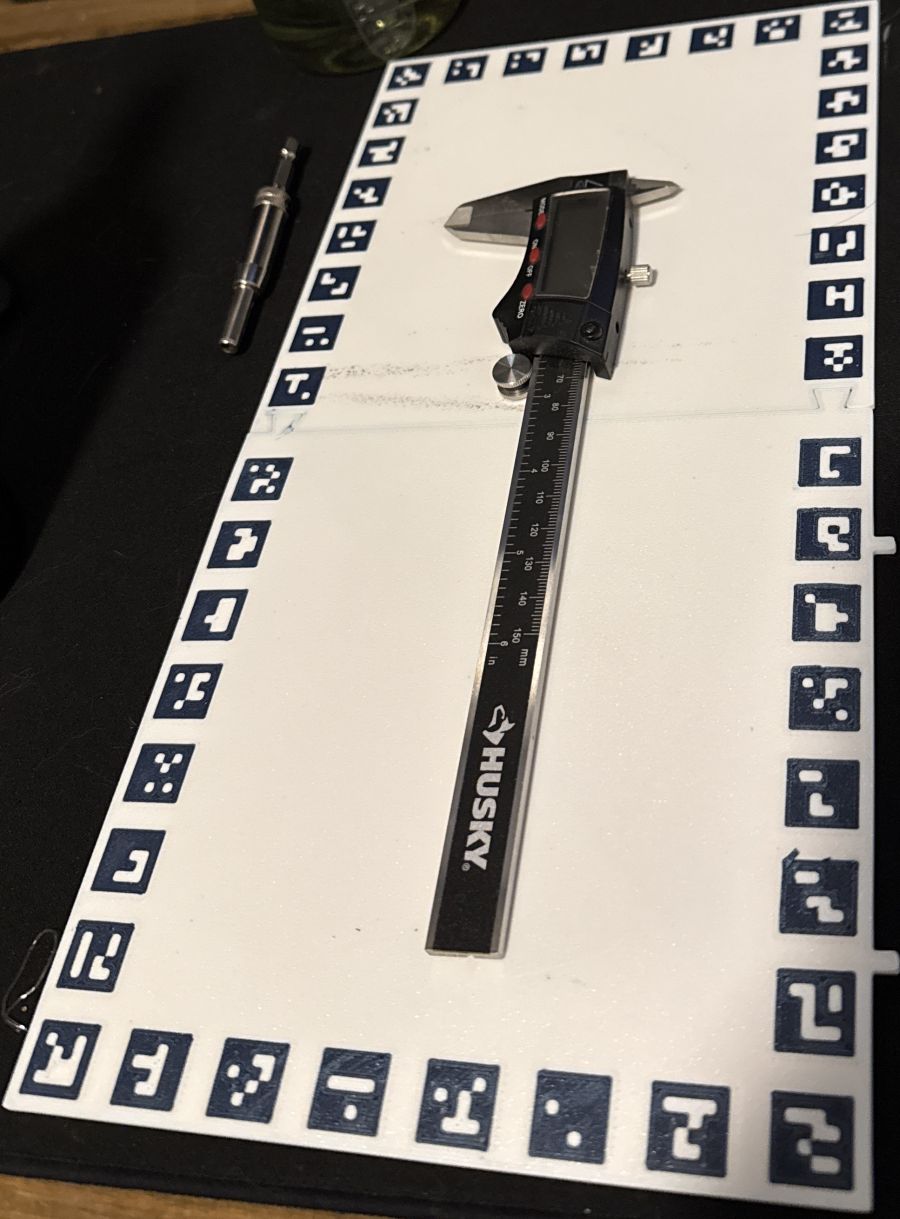
Lay the tool flat
On the free marker tile, or on grid paper. Take one photo from straight above. Normal room light is fine.
-
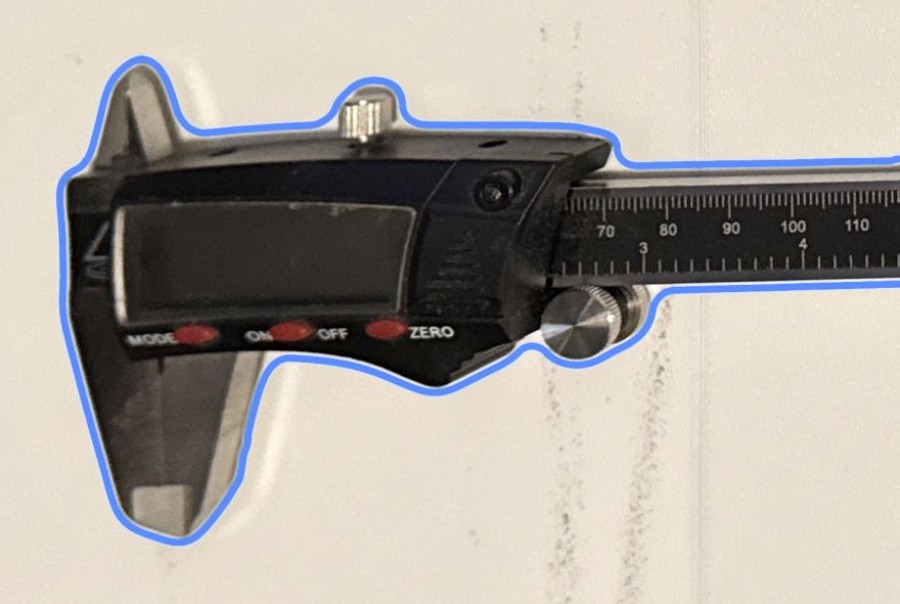
Check the outline
The app traces the tool for you. Tight somewhere? Tap that spot to add room.
-
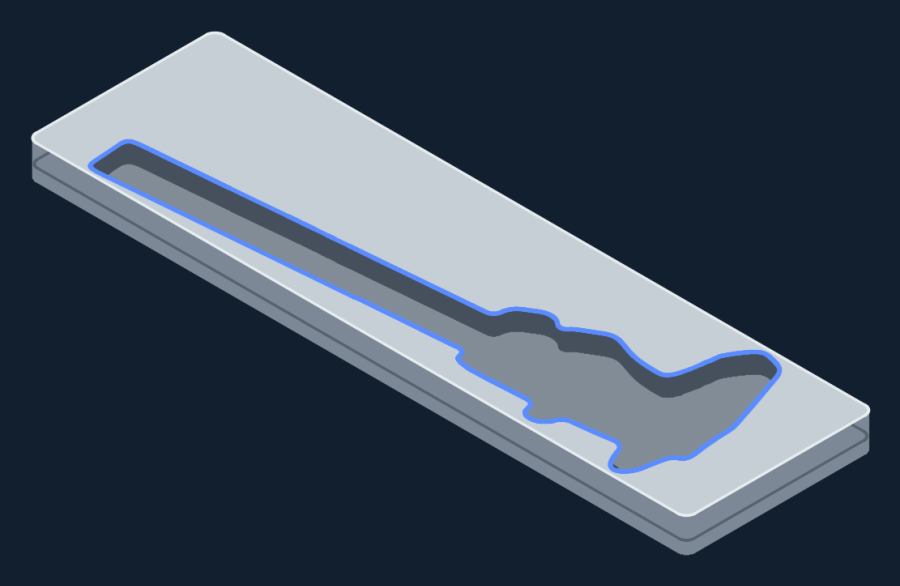
Download the 3MF
A standard Gridfinity bin with a pocket shaped to your tool. It opens in Bambu Studio, PrusaSlicer and other slicers.
-
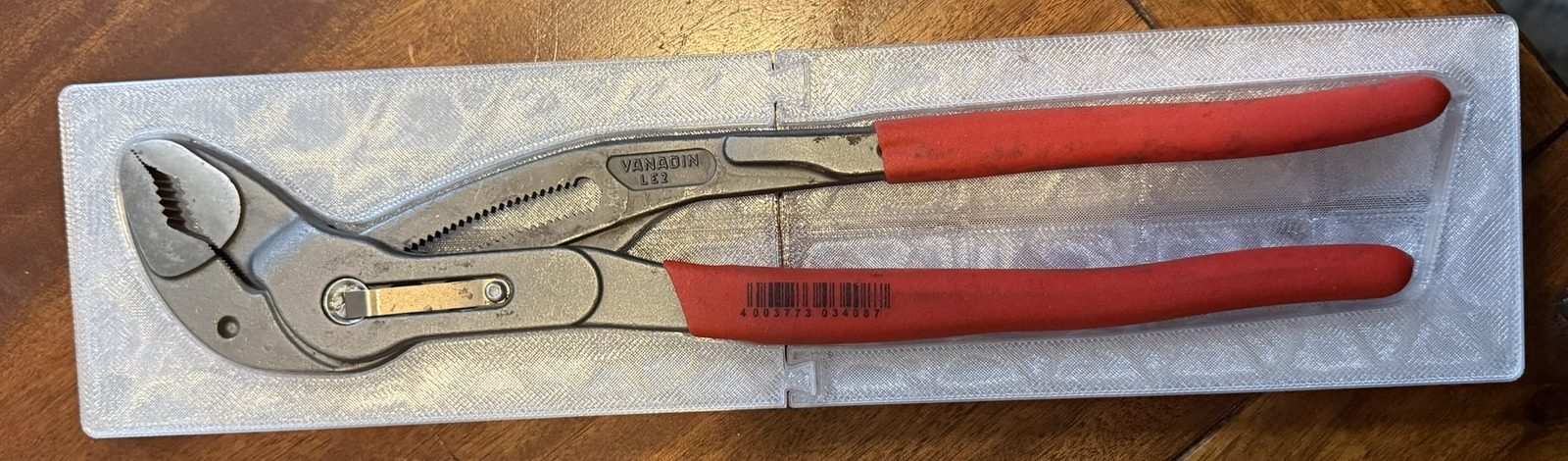
Print it
Drop the bin on your baseplate. Doesn't fit? Tell the app Tight or Loose and get a fixed file free.
Tips
- Tile or paper? Paper works. The printed tile gives a snugger first print.
- Several tools? Put them in one photo. Pick one shared bin or a bin per tool.
- Shadows? Fine. You don't need special lighting.
- Pocket depth? Set for you from the tool's shape.